Technology
Feb 29, 2016
Basic signup in your Rails app with has_secure_password
The past week I've been working on a little web app that lets you post to a Twitter account as a group: http://samentweeten.nl.


The past week I've been working on a little web app that lets you post to a Twitter account as a group: http://samentweeten.nl. It's a tool for volunteers so they can share a Twitter account for campaigning or communicate from a single organisation or brand.
Usually, I use Devise for registration and authentication. For building samentweeten.nl, I wanted to discover implementing basic registration and authentication with has_secure_password and the Rails bare minimum.
Implementing signup
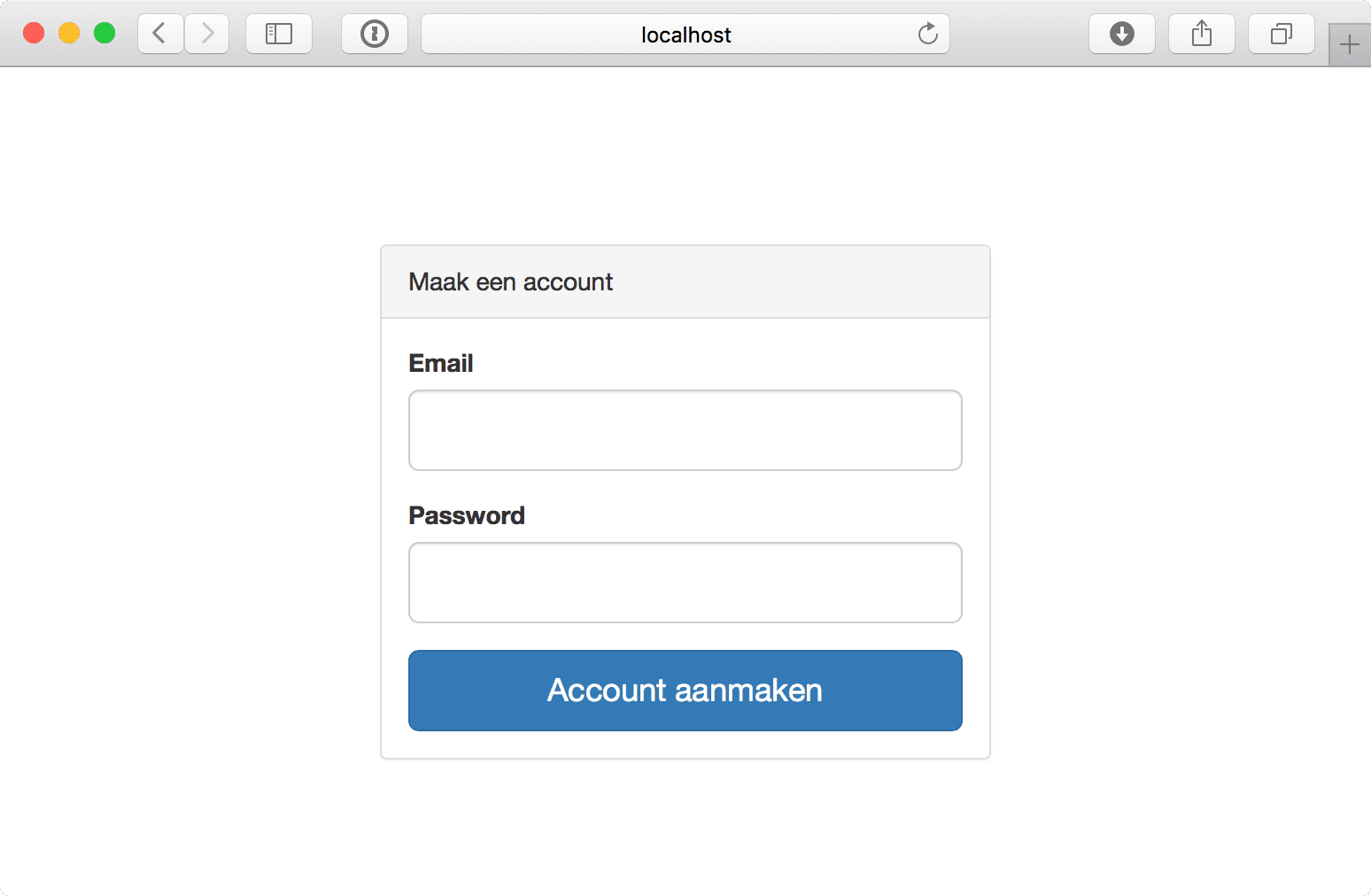
Here's the view code for my sign up form. It's nothing special. Just a simple form that asks for Email and Password. It uses bootstrap_form_for from the bootstrap-forms gem.
This view is accessible on /signup. The form also posts to /signup so my routes.rb looks like this:
The controller for these two routes looks as follows:
In my Account model I've added has_secure_password like so:
In the code for my SignupController, you can see that I set a signed cookie account_id to the id of the Account record that gets created. I'll be using this cookie to verify if the user is logged in on subsequent requests.
Authorizing if a user is logged in
In ApplicationController I've added a few helper methods that let me verify and fetch the logged in account. By adding these methods here, I can use them in all the controllers throughout my app.
I use the authenticate_account method as a before_action in all controllers that need a valid account. This method will redirect to the root_url when no account is logged in. As a bonus, the method clears the account_id from the cookies when the requested Account has disappeared. Clearing the cookie is useful for clearing sessions of accounts that were removed.
The current_account method is a quick alias that lets me access the current logged in account from any controller or view. I store the result in the @current_account instance variable, so the database is never queried more than necessary inside a single request when calling the current_account method multiple times.
The third method account_signed_in? is just a syntactic sugar method that I can use in my views, inspired by Devise.
Questions or comments?
If you have any questions or comments, please let me know! You can reach me on Twitter via @michiels or send me an email at mailto:michiel@firmhouse.com.